
In the menu, under Account, select Support.
Select New ticket.
Choose a Category and enter a Subject.
Describe what happened in Message.
Add screenshots or PDFs with Add attachment if they help.
Select Submit ticket.
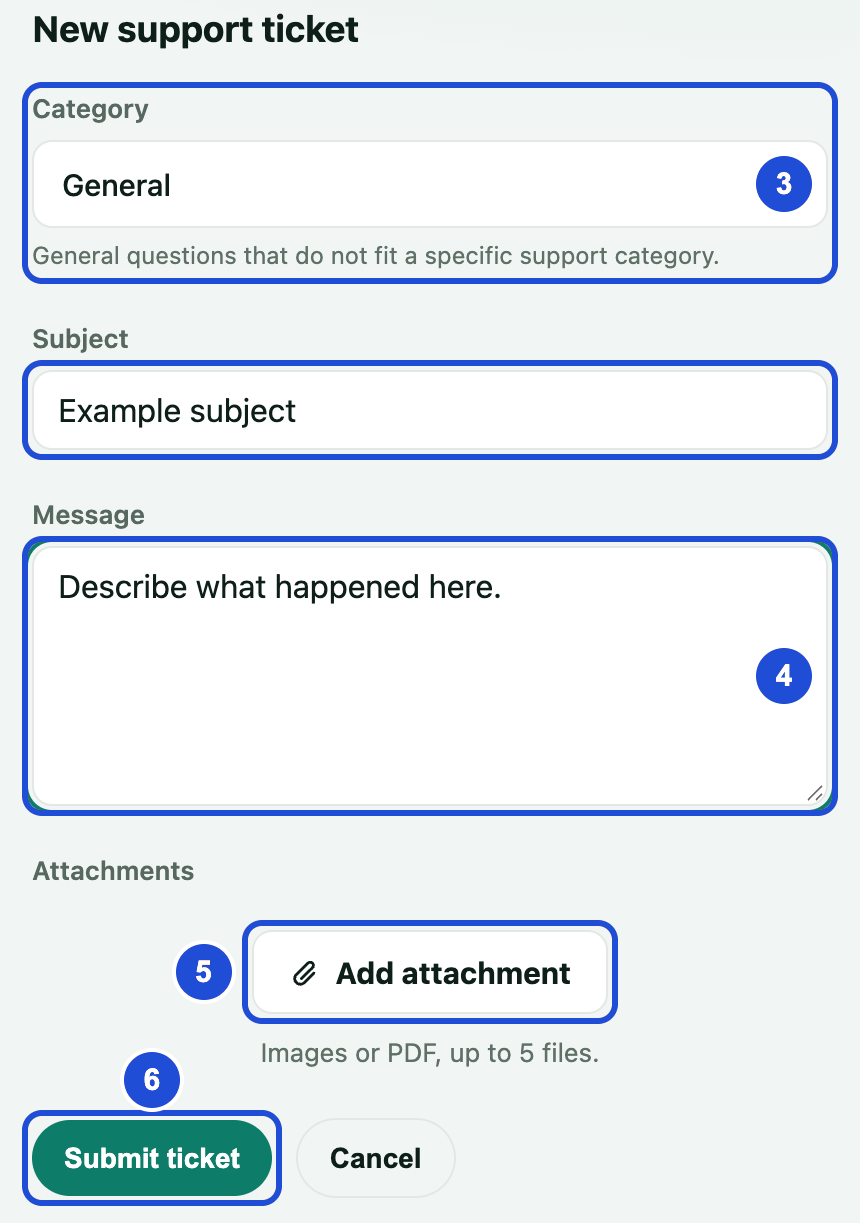
Steps 3 to 6
Your ticket appears under In progress, and our team replies there. A closed ticket cannot be reopened, so open a new one if you still need help.
If you cannot sign in, email us at [email protected].
Never include your password, recovery phrase or wallet key in a ticket.
If something goes wrong
You already have an open ticket about this.
- Why
- A ticket on this subject already exists.
- What to do
- Continue in that ticket instead of opening a new one.