
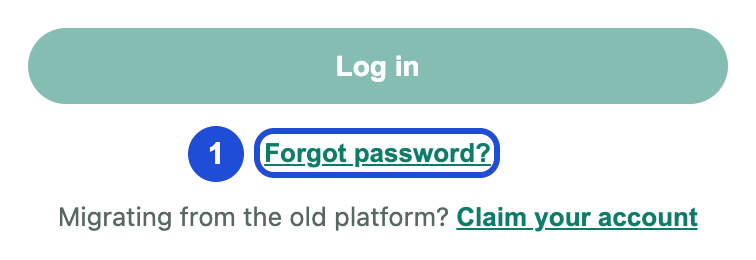
On the sign-in page, select Forgot password?
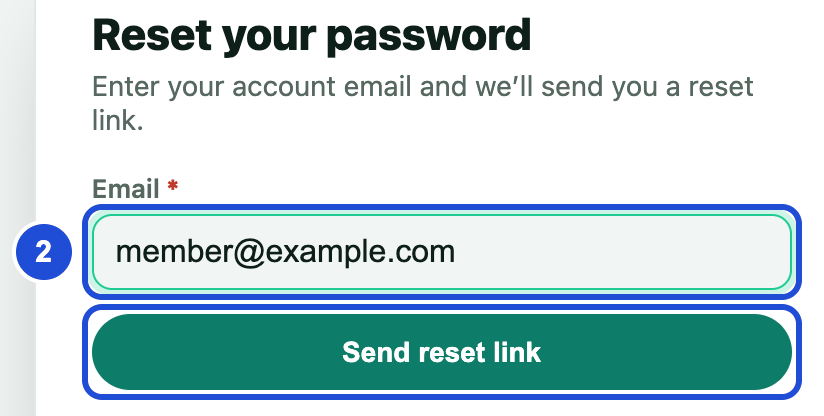
Enter your account email and select Send reset link.
Open the email and select the link.
Enter a new password with at least 8 characters, an uppercase letter, a lowercase letter, a number and a symbol.
Select Save password.
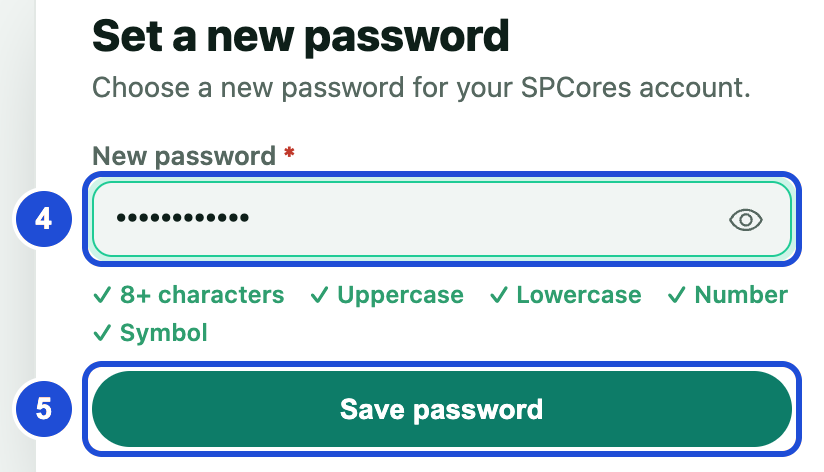
Steps 4 and 5 Select Go to login and sign in.
You cannot change your password from inside the panel yet. Use Forgot password? instead, even if you still know it.
If something goes wrong
Link already used
- Why
- The link was used or has expired.
- What to do
- Select Request a new link and start again.
No account is registered with this email address.
- Why
- The address is not registered, or you have not claimed your old account yet.
- What to do
- Check the spelling. If you had an old account, follow Claim with your wallet.