
First, request your claim
In the menu, under Money, select Wallet.
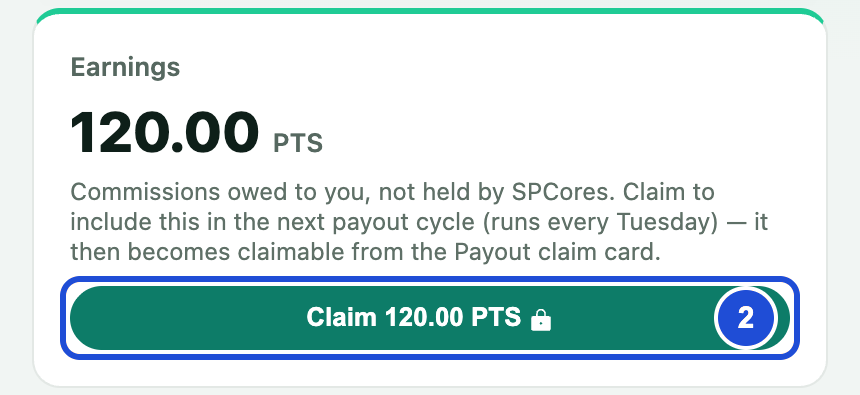
On the Earnings card, select Claim. The button shows your amount in PTS.
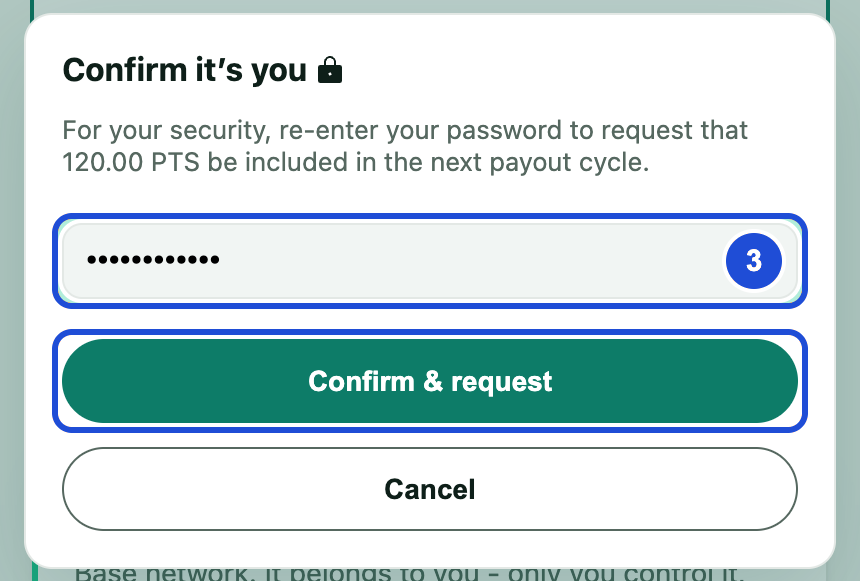
If asked, enter your password under Confirm it’s you, then select Confirm & request.
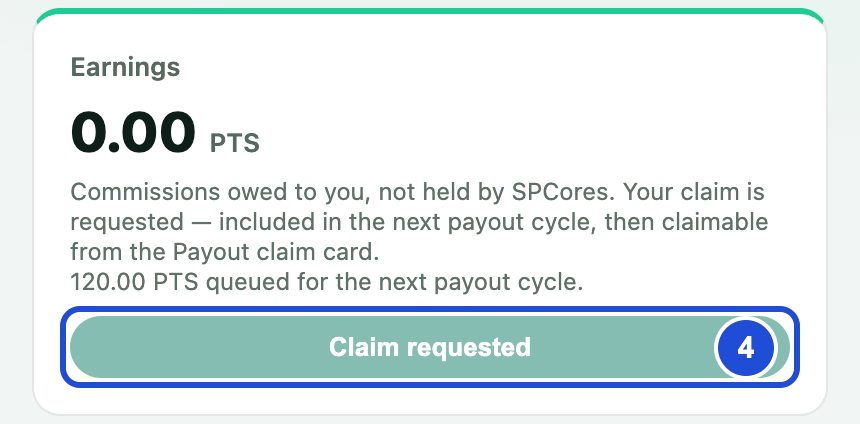
The button changes to Claim requested. Nothing else is needed until the cycle publishes.
Then, after the Tuesday cycle
Open the Wallet page again.
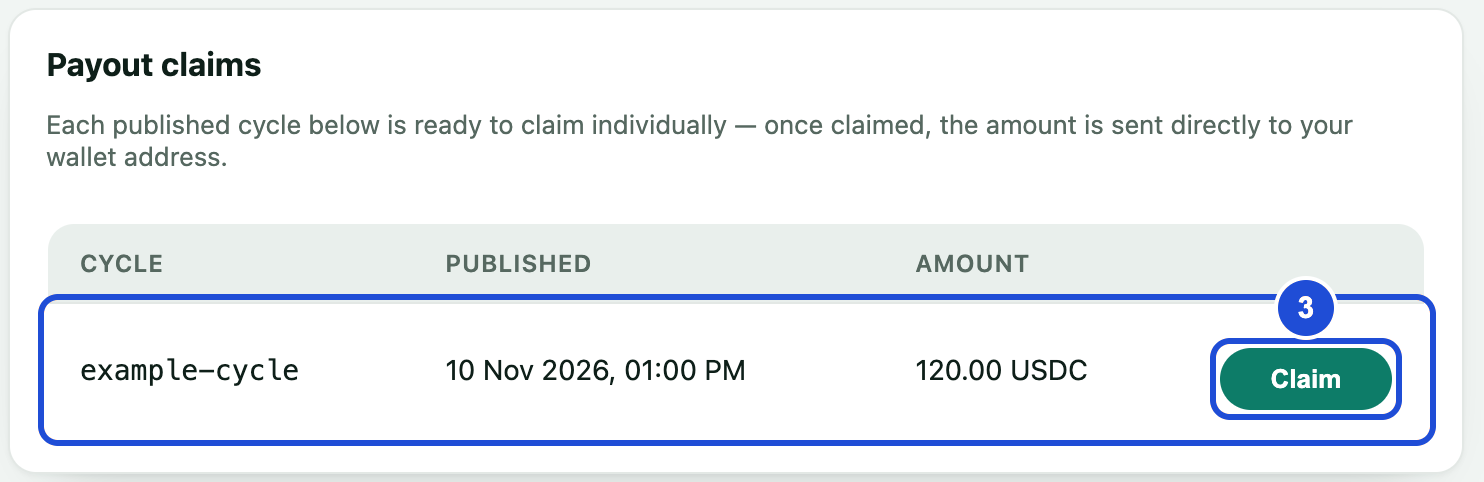
Under Payout claims, find the cycle. Each cycle has its own row and its own Claim button.
Select Claim and approve the confirmation.
Steps 2 and 3 Wait for the confirmation on the page. The USDC is now in your wallet.
Small claims carry no network fee. On larger claims, the fee is taken out of the amount you claim.