
Before you start
A valid, original government ID and good light. The photo step takes about a minute.
In the menu, under Account, select Identity.
Enter your full legal name and date of birth exactly as shown on your ID.
Choose your document type if you are asked.
Select Submit for verification.
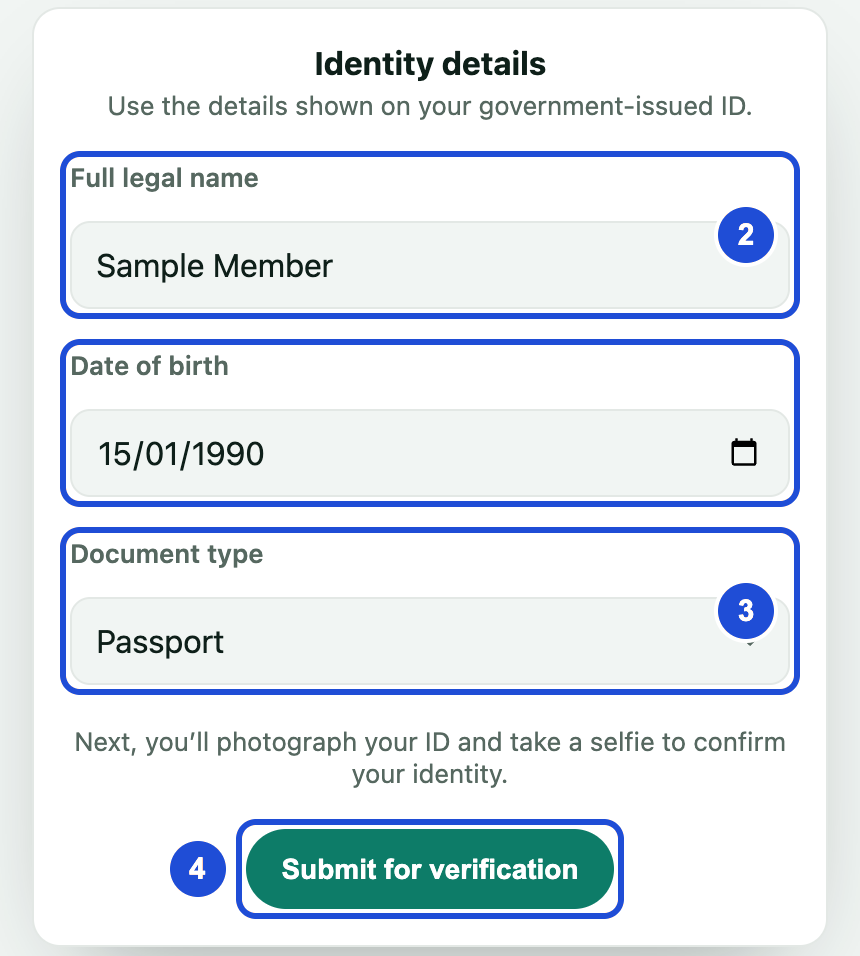
Steps 2 to 4 Select Start verification.
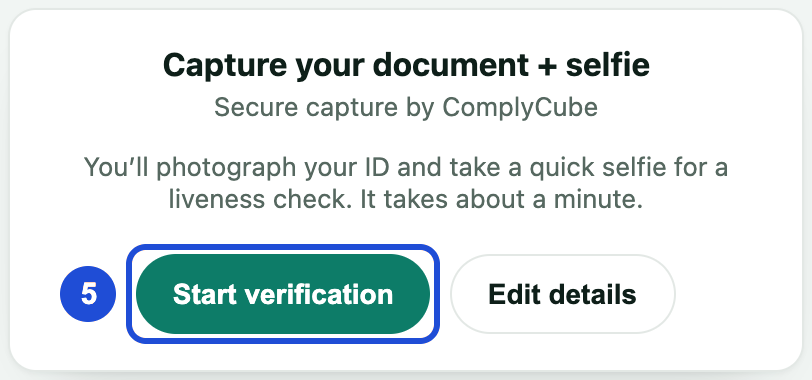
Photograph your ID and take a selfie. You may be taken to our verification partner's secure page and brought back afterwards.
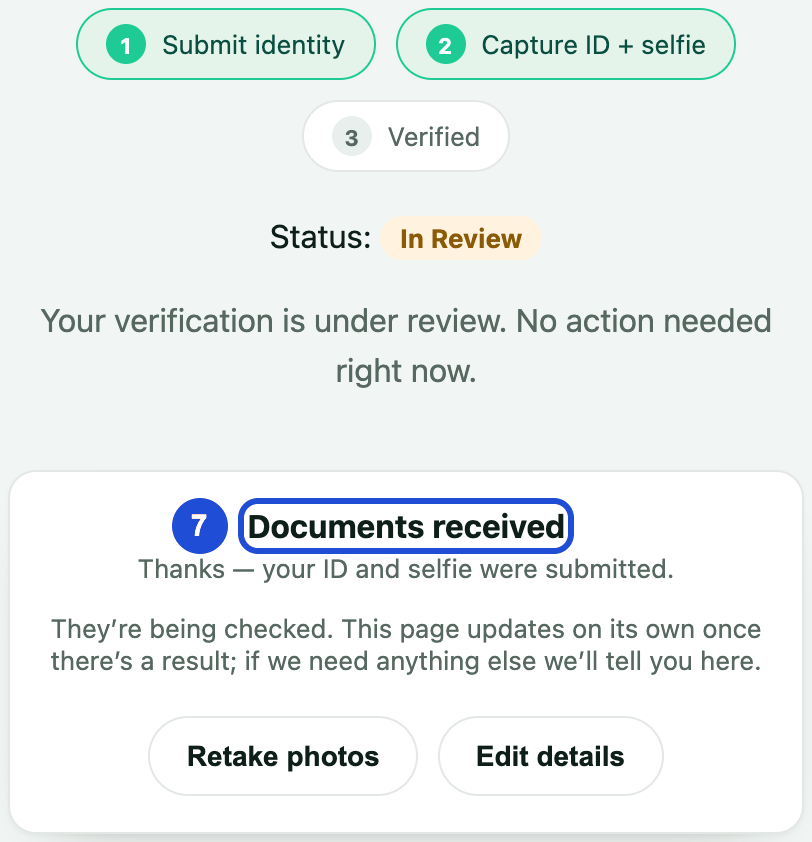
You will see Documents received. The page updates by itself when there is a result.
| Status | What it means | What to do |
|---|---|---|
| Not started | You have not finished the steps | Follow the steps above |
| In review | Your case is being checked | Wait for the result |
| Verified | You are eligible for payouts | Nothing more |
| Declined | Your verification was not accepted | Follow the message on the page, or contact support |
| Expired | Your verification has run out | Submit again |
For clearer photos
- Use your own original ID, not a screenshot or photocopy.
- Lay the ID flat on a plain surface with all four corners in the frame.
- Avoid glare, shadows and blur.
- Face the camera in even light, with your whole face in view.
- Take off glasses, hats and masks.
If something goes wrong
Please try again
- Why
- The photos were not clear enough.
- What to do
- Select Retake photos now and follow the photo tips.