
Anyone who gets your key can take all your funds, and the SPCores team cannot recover them. Never send it to anyone, or keep it in a photo or message. We will never ask for it.
In the menu, under Money, select Wallet.
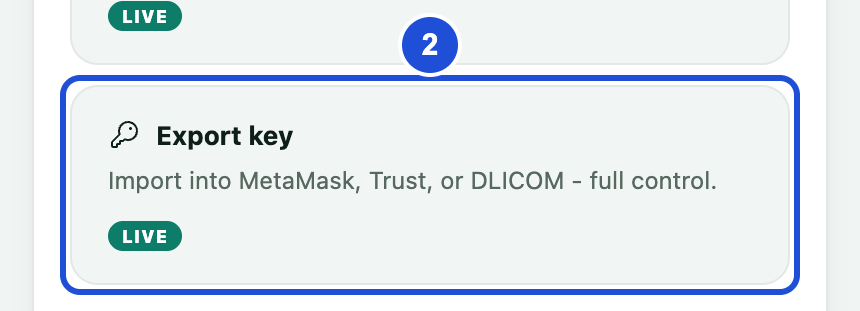
In Manage your wallet, select Export key.
Complete the security confirmation that appears.
Copy the key from the secure screen that opens.
In the other wallet app, choose to import an account with a private key, then paste the key.
Turn on the Base network in that app, and check that the address matches your SPCores address.
The Export key button is for in-app wallets only, and it may not appear if it is switched off.