
Before you start
A USDC balance in your wallet that covers the amount.
In the menu, under Money, select Wallet.
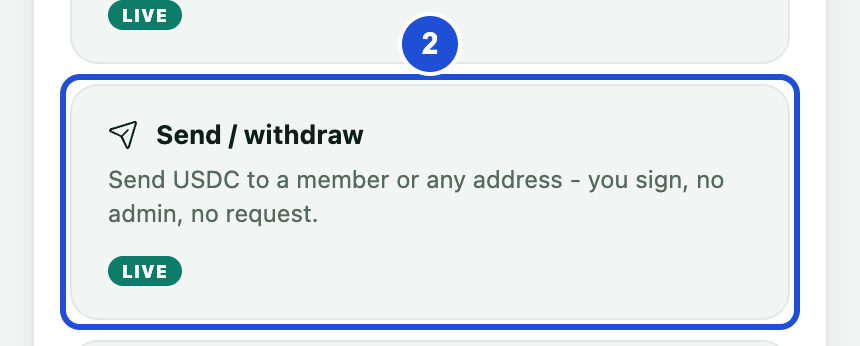
In Manage your wallet, select Send / withdraw.
In To, enter the member's username or email, or paste a wallet address that starts with 0x.
Check the name and address beside Sending to.
Enter the amount, or select Max to send your whole balance.
Check the network fee and what the other side receives. The fee comes out of the amount you enter.
Select Send.
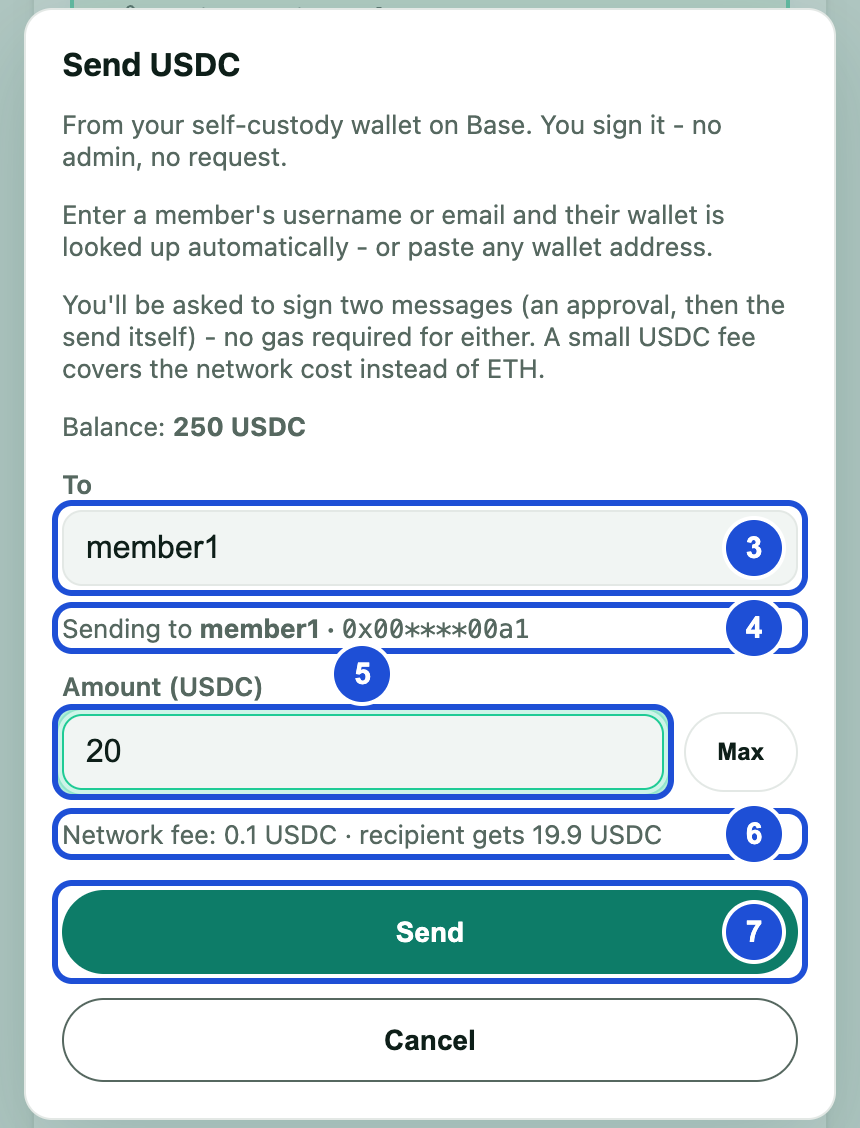
Steps 3 to 7. The balance and fee shown are examples. Sign the two messages when asked. You do not need ETH, because the fee is paid in USDC.
Wait for the confirmation. The send then appears in Wallet activity.
Check the address carefully before you send. Funds sent to a wrong address cannot be recovered.
Withdrawing to an exchange
Paste the exchange's USDC deposit address on the Base network. First make sure the exchange supports this network.
The Send / withdraw button is for in-app wallets only. If you use your own external wallet, send from its app.
If something goes wrong
no member has that email address
- Why
- No member uses this email.
- What to do
- Check the email, or ask the member for their wallet address.
no member has the username
- Why
- This username does not exist.
- What to do
- Check the name, or use the member's email.
hasn’t set up their wallet yet
- Why
- The member has not opened their Wallet page yet.
- What to do
- Ask them to open the Wallet page once, then try again.
that looks like a wallet address but isn’t valid
- Why
- The address is incomplete or has a mistake.
- What to do
- Copy the full address again: 0x followed by 40 characters.
You can’t send funds to your own wallet.
- Why
- You entered your own account or address.
- What to do
- Enter another member or wallet address.
Amount exceeds your available balance
- Why
- The amount is more than your balance.
- What to do
- Lower the amount, or select Max.
Amount must be more than the
- Why
- The amount does not cover the fee.
- What to do
- Enter a larger amount.