
If you do not have a wallet on file
In the menu, under Money, select Wallet.
Wait while you see Setting up your wallet…. This happens automatically.
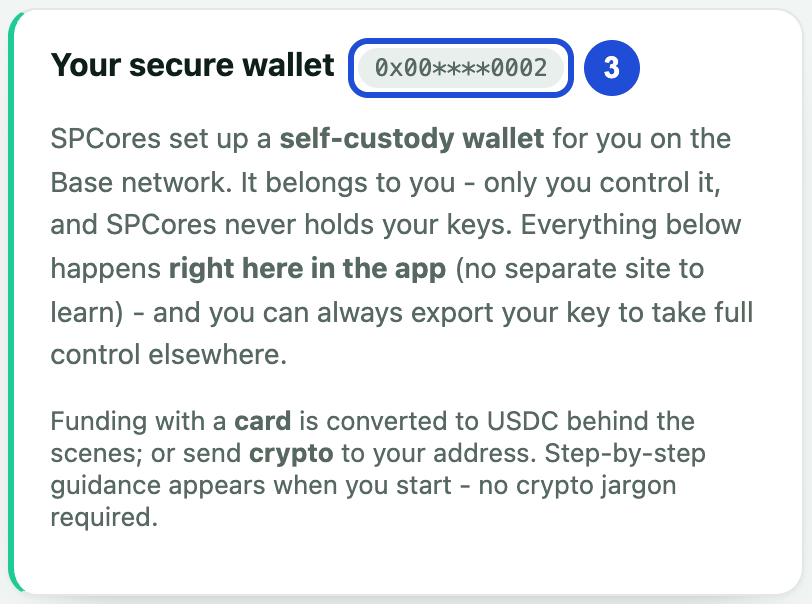
When it finishes, your wallet address appears under Your secure wallet.
If you see Connect your wallet
We already have a wallet on file for your account. Select Connect Wallet and connect the exact wallet shown on the screen.
Only send USDC to your wallet on the Base network. Never share your wallet key with anyone.
If something goes wrong
this wallet does not match the address on file for your account
- Why
- You connected a wallet that is not the one on your account.
- What to do
- Switch to the correct wallet and try again.
Wrong network.
- Why
- Your wallet is on a different network.
- What to do
- Follow I saw the message: Wrong network.