
Go to the sign-in page and select Claim your account.
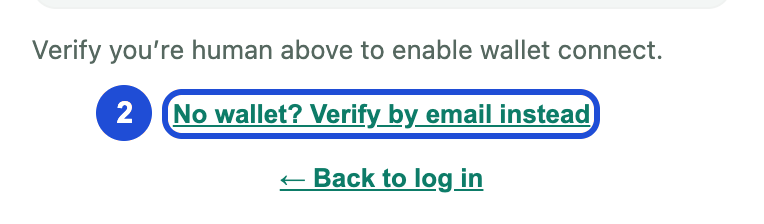
Select No wallet? Verify by email instead.
Enter your registered email address and slide the piece into the slot.
Select Send verification.
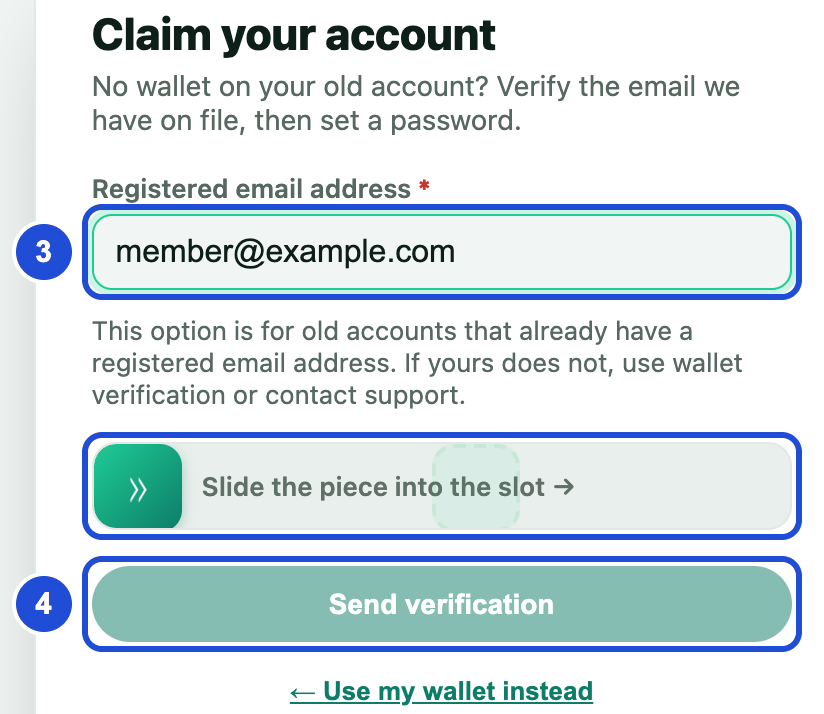
Steps 3 and 4 Open the email on the same device and select the link.
Create a new password with at least 8 characters, an uppercase letter, a lowercase letter, a number and a symbol.
Select Set password & sign in.
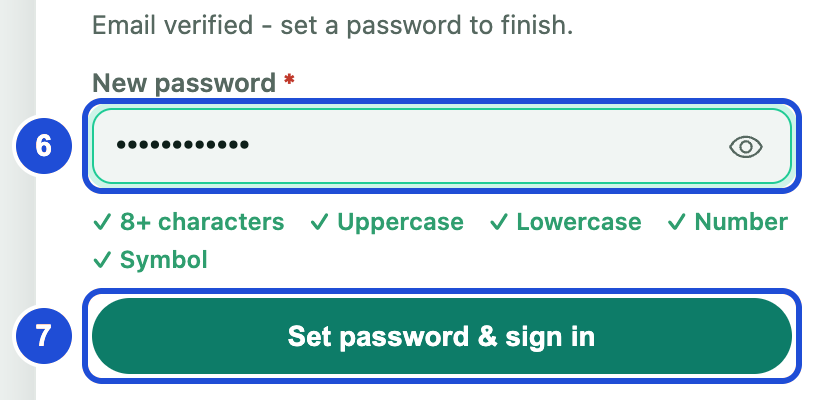
Steps 6 and 7
If something goes wrong
no unclaimed account is linked to this email address
- Why
- The address does not match our records, or the account is already claimed.
- What to do
- Try another address you may have used, try signing in, or read I have no wallet or email.